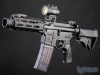
Want a cleaner handguard and better rifle balance?
Here’s how to mount your MAWL-PTS using the PTS Unity RAXIS™ Mount in 4 easy steps!
The RAXIS™ brings your laser up onto the Picatinny rail and within the profile of the receiver—freeing up valuable handguard real estate for a cleaner C-clamp grip.
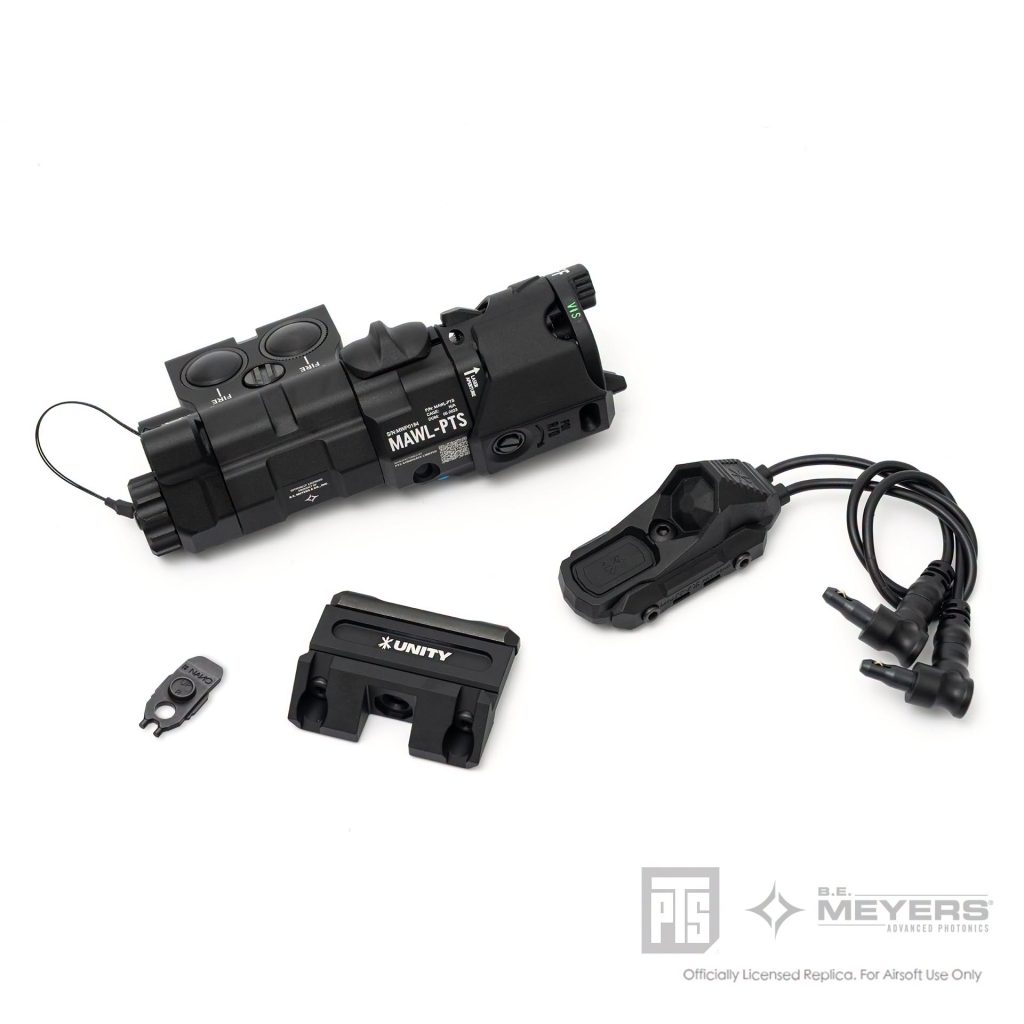
Quick Install Steps:
- Loosen the two rail clamp screws on the RAXIS™ mount using a T20 bit driver.
- Position the PTS Unity RAXIS™ on your Picatinny rail and tighten both screws with the T20 driver.
- Attach the MAWL-PTS onto the angled mounting surface of the RAXIS™ mount.
- Tighten the MAWL-PTS clamp screw using the included Multitasker Nano tool—done!
- Compliance Notice: Restricted regions (e.g., Germany) are limited to the Red Laser (Class 2) version; standard global markets receive the Green Laser (Class 3R) version.
Save this guide for your next rifle build and drop a comment below!